Voxel Block Builder How to Redeem Codes
Exact flow for claiming promo rewards when a real code exists.
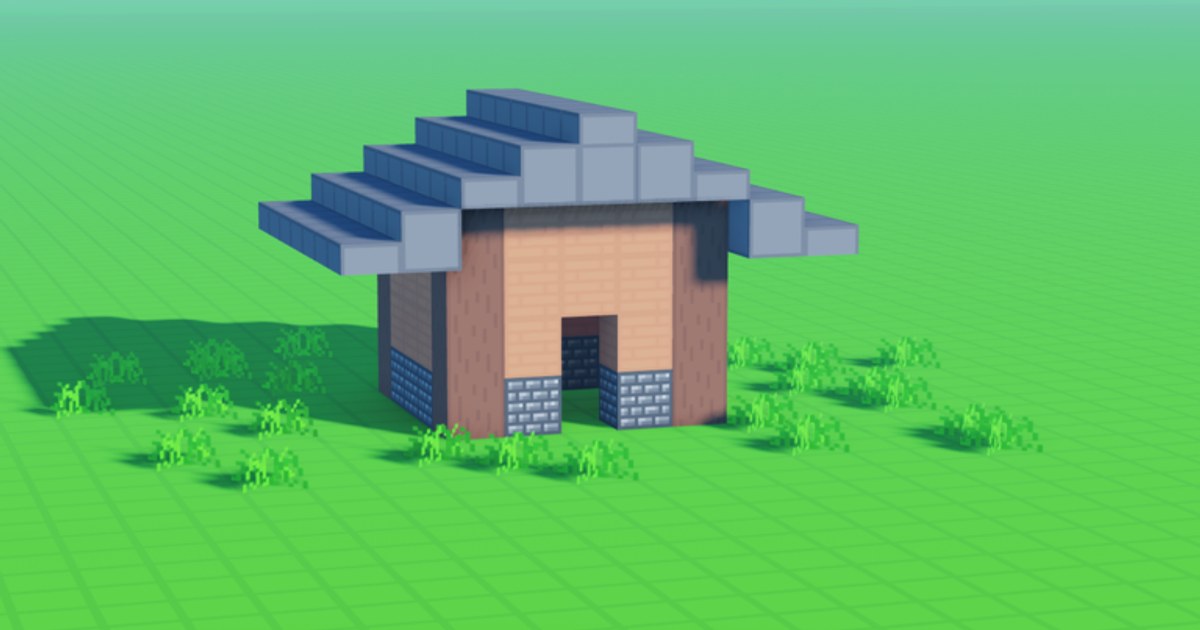
Redeeming a Voxel Block Builder code is simple once you know where the menu lives—and just as important when no reliable active codes are circulating. This page walks the full Roblox flow for Goober Labs’ experience so you can claim a drop in under a minute, then return to building. If you only need status, jump back to the Codes Hub. If you need discovery habits, use finding new codes.
Before you start
- Be logged into the correct Roblox account (rewards bind to the account that redeems).
- Launch Voxel Block Builder from the official experience page (Place
113457460682474). - Join either a public server (up to 18 players) or your Personal World—both are fine for redemption.
- Have the code copied somewhere you can paste from; avoid retyping from memory.
You do not need Fly Ability, Rainbow Block Pack, or any other Game Pass to open the codes UI. Passes change movement and palette—they are covered on the Game Passes guide and ranked on the Game Pass tier list.
Step-by-step redemption
1. Enter the experience
Load in until your avatar can move and the HUD is ready. If you spawned mid-event UI after the Verity Pets update, close popups first so the codes entry is clickable.
2. Open the codes / rewards panel
Look for a Codes, Rewards, Gift, or similar button on the main HUD or settings cluster. Roblox sandboxes rearrange icons after patches; if you cannot find it, reopen the menu root, check the shop-adjacent tabs, then rejoin once. Do not install third-party “code redeemers”—those are scams. Anything promising auto-redeem belongs in the danger zone discussed on the scripts hub.
3. Paste the code exactly
- Match capitalization unless the game normalizes case.
- Strip accidental spaces at the start or end.
- Do not add punctuation from social posts (quotes, hashtags, ellipses).
- Redeem one code at a time; wait for success or error text before trying another.
4. Confirm and verify inventory
On success, open Inventory and confirm the reward appeared. Then resume the core loop: select a block, click or tap to place, reshape with the pickaxe. New blocks from events or weekly drops show up beside your existing palette—browse them in the blocks guide.
Common errors and fixes
| Message / symptom | Likely cause | What to do |
|---|---|---|
| Invalid / wrong code | Typo, expired, or never real | Recheck source; see Codes Hub status |
| Already redeemed | Account already claimed it | Stop retrying; rewards are one-time |
| Button missing | UI moved after update | Rejoin; check settings; wait for patch notes |
| Nothing in inventory | Lag or misread success | Reopen inventory; rejoin world once |
| Kicked / weird prompt | Fake external site | Close it; only redeem in-game |
If every public list fails, assume the honest state: no active codes. Keep playing instead of grinding dead strings. Getting Started and how to build produce more progress than code roulette.
Public servers vs Personal Worlds
Redemption is account-based, not world-based. Claiming on a busy public server does not share the reward with everyone nearby. Saving happens through Personal Worlds—use the world save checklist so you do not lose a session after celebrating a rare drop. Public servers remain great for social builds (max 18); Personal Worlds are your archive.
After you redeem: smart next steps
- Sketch a small showcase with the new piece using the build checklist.
- If the reward is pet-related, read Verity Pets and the pets overview so you equip correctly (Verity rolls and follows when equipped).
- If you were about to buy a pack anyway, double-check Colored Glass and Rainbow pricing against what the code already granted.
- Bookmark official links so the next drop does not arrive through a phishing clone.
Mobile vs PC notes
On PC, paste with the keyboard shortcut into the code field, then press the confirm button. On mobile, long-press to paste; watch the on-screen keyboard so it does not cover Confirm. Fly controls (Press F or the mobile fly button) only matter if you own Fly Ability [OP]—they are unrelated to codes. Full input map: controls.
Safety rules worth repeating
Never type your Roblox password into a “codes website.” Never pay a stranger for a “private code list.” Never run an executor because a thumbnail promised free Game Passes. Legitimate promos are redeemed inside the experience Goober Labs published. When the Codes Hub says the table is empty, believe it and build something memorable in a Personal World instead—that is the feature that actually sticks between sessions.
Master this flow once, and every future drop becomes a thirty-second errand instead of a scavenger hunt through broken menus.
Frequently Asked Questions
Quick answers about Voxel Block Builder on Roblox.
Where is the codes button in Voxel Block Builder?
Check the main HUD or settings/rewards cluster for a Codes, Rewards, or Gift entry. After big updates, rejoin once if the icon moved.
Can I redeem the same code on two accounts?
Each Roblox account must redeem separately. A code used on account A does not automatically apply to account B.
What if the code says invalid but a website lists it as active?
Trust the in-game result. Many sites lag behind expirations or invent codes. Confirm status on this wiki’s Codes Hub.
Do I need internet beyond Roblox to redeem?
You only need a normal Roblox session. Avoid third-party redeem sites entirely.
Should I redeem before or after saving a Personal World?
Redeem whenever convenient, then save your world if you placed new reward blocks. Use the world save checklist after big build sessions.