Voxel Block Builder Working Scripts: Feature Claims & Caveats
A high-level map of what community tools advertise—and why Game Passes and Personal Worlds are the better path.
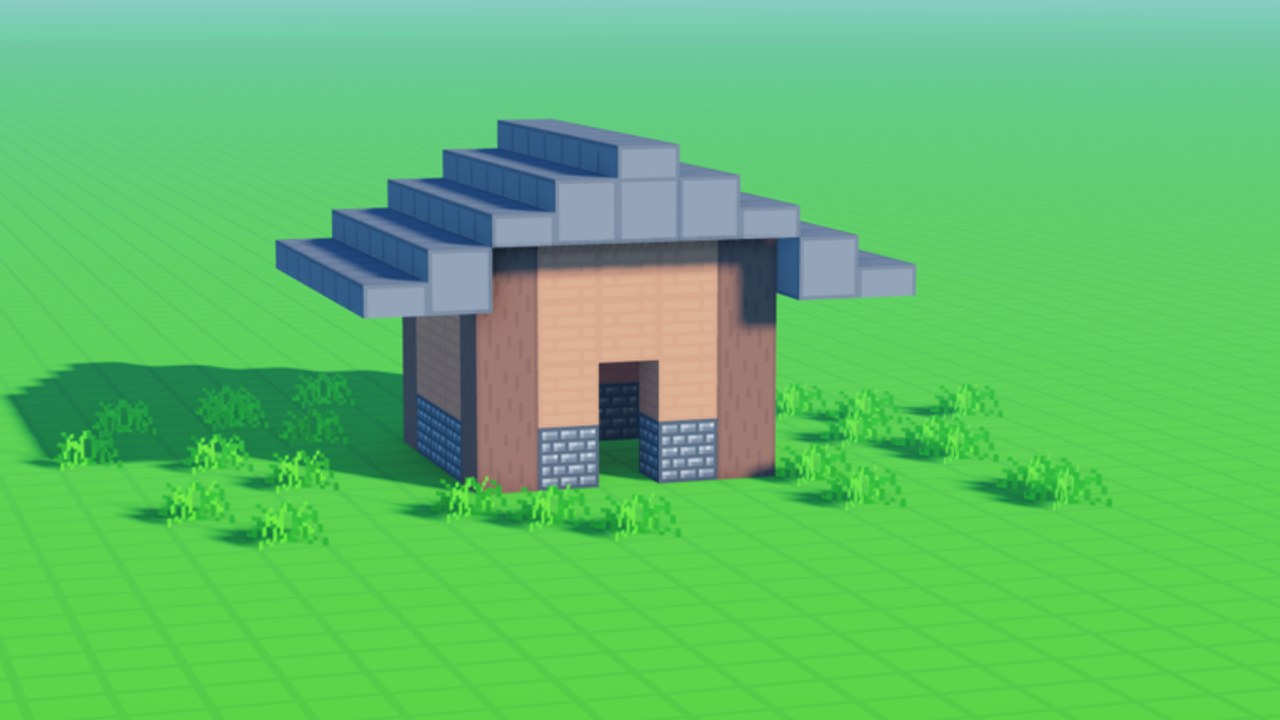
Builders searching for “working scripts” usually want a short list of helpers that still function after the latest Voxel Block Builder patch. This page answers that intent carefully: it summarizes feature claims that circulate in the community, explains why status changes week to week, and maps each claim to legitimate Game Passes or in-game workflows. It does not include script code, loadstrings, executor instructions, or hosting-site names.
Voxel Block Builder by Goober Labs is a live Roblox experience with public servers, Personal Worlds, weekly block drops, and Verity Pets. That mix creates predictable shortcut demand—especially for movement and bulk building. Treat every third-party claim as unverified marketing until proven otherwise, and assume unauthorized clients can cost your account.
How to read “working” status
In community slang, “working” means someone reported success recently. It does not mean:
- Roblox allows the tool
- Goober Labs endorses it
- Your account is safe
- Your Personal World will remain intact
- The helper still works after tonight’s update
Weekly blocks and QoL patches can break movement hooks, inventory automation, or placement macros overnight. If a claim sounds timeless, it is outdated already. Prefer the Updates hub for real patch context and the Script Safety guide before any download.
Common feature claims (high level only)
Community tools for Voxel Block Builder–style builders typically advertise clusters of features. We list the claims, not how to enable them.
Fly helpers
Claim: free or toggled flight so you can inspect tall builds, travel across large plots, or place blocks from above.
Reality check: Voxel Block Builder already offers a legitimate Fly Game Pass. Paying for Fly supports the developer and keeps movement inside intended systems. Unauthorized fly helpers often require injected clients; detection risk is not theoretical.
Prefer instead: purchase Fly, combine with careful camera work, and use Personal Worlds when you need uninterrupted build time.
Speed mods / sprint helpers
Claim: move faster than default walk speed to ferry materials or tour a large Personal World.
Reality check: the 2x Sprint Pass is the official answer for faster on-foot travel. Speed mods that rewrite character velocity are classic moderation magnets on Roblox.
Prefer instead: 2x Sprint, plan material staging near the build site, and use the Build Checklist to reduce wasted trips.
Auto-place / bulk placement claims
Claim: automatically place long walls, floors, or patterned voxels without clicking every block.
Reality check: bulk placement sounds perfect for cityscapes and mega bases, but automation that drives the placement API from outside the game is unauthorized. It can also misplace blocks, spam inventories, or leave half-finished geometry that is harder to repair than building intentionally.
Prefer instead: rhythm building with clear grids, Colored Glass / Rainbow Block Pack for visual variety, and save checkpoints in Personal Worlds after each major wing of a project. See World Save Checklist.
Auto-mine / fast clear claims
Claim: mine terrain or unwanted voxels automatically so you can reshape land faster.
Reality check: the Bombastic Pickaxe Pass exists specifically to speed legitimate clearing and reshaping. External auto-mine tools often advertise “instant clear” while ignoring that rapid unnatural rates are easy to flag.
Prefer instead: Bombastic Pickaxe, staged demolition plans, and keeping a restore point by saving your Personal World before major terraforming.
Cosmetic / dimension unlock claims
Claim: unlock rainbow packs, colored glass sets, or alternate dimensions without Robux.
Reality check: Rainbow Block Pack, Colored Glass, and Blue Dimension are Pass-tied creative options. “Free unlock” scripts frequently bundle account stealers or fake key systems. Even when a cosmetic unlock appears to work briefly, it can break, roll back, or mark the account.
Prefer instead: buy the Passes you will actually use; skip the rest. Compare value on the Tier List and track new blocks via Items.
Pets / Verity helpers
Claim: force-equip pets, duplicate companions, or skip Verity unlock steps.
Reality check: Verity Pets are a featured update pillar. Tampering with pet state is both against the rules and unnecessary for enjoying the companion. If a pet does not appear, check Updates and in-game inventory first.
Mapping claims to legitimate alternatives
| Circulating claim | Official / safer alternative |
|---|---|
| Fly helper | Fly Pass |
| Speed / sprint mod | 2x Sprint Pass |
| Auto-mine / clear | Bombastic Pickaxe Pass |
| Extra colors / glass | Rainbow Block Pack, Colored Glass |
| Extra dimension vibe | Blue Dimension Pass |
| Persistent mega builds | Personal Worlds |
| Companion flair | Play through Verity Pets content |
| Free Robux / free Passes | None—those are scams; see Script Safety |
Why tools go stale so fast
- Roblox platform patches change how clients behave.
- Experience updates (weekly blocks, pets, world systems) alter remote events and inventories.
- Detection updates invalidate yesterday’s “undetected” marketing.
- Broken macros can corrupt builds more than they save time.
- Social churn means screenshots of “working” UIs are often recycled from older games.
If your only information is a random chat claim, you do not have a status report—you have rumor.
Practical workflow without scripts
- Open the official game from Official Links.
- Skim Getting Started for inventory, place, and mine basics.
- Move serious projects into Personal Worlds early.
- Buy only the Passes that match your build style (Fly for vertical work, Bombastic Pickaxe for terraforming, color packs for façade variety).
- After each major session, run the World Save Checklist.
- Track codes on Codes when promotions exist; do not trust “code generators.”
- Return to this page only as a claims glossary—not as a shopping list for injectors.
Red flags that a “working script” post is unsafe
- Demands you disable antivirus or allow unknown executables
- Uses urgency (“patch in 10 minutes, get it now”)
- Promises free Robux, free Passes, or undetectable forever
- Asks for your password, backup codes, or account cookie
- Bundles Discord friend requests from strangers before any download
- Shows gameplay from a different Roblox experience as “proof”
Any one of those is enough to walk away.
Relationship to the rest of the wiki
Pair this overview with the parent Scripts Hub, deep warnings on Script Safety, creative planning in Tools, block and pet context in Items, and patch notes in Updates. Creative success in Voxel Block Builder comes from iteration, weekly blocks, Verity flair, and saved Personal Worlds—not from racing detection.
When someone asks “which scripts still work,” the useful answer is: assume none are safe, assume status is temporary, and buy the Pass that matches the job. That keeps your account, your friends list, and your carefully stacked voxels intact for the next weekly drop.
Frequently Asked Questions
Quick answers about Voxel Block Builder on Roblox.
Are there currently verified working scripts on this wiki?
No. We do not verify, host, or distribute scripts. We only document common feature claims and point you to Game Passes and Personal Worlds.
Which Game Pass replaces a fly script claim?
The Fly Pass is the legitimate option for surveying and building from the air without unauthorized clients.
Do auto-place tools save time safely?
Unauthorized auto-place claims carry ban and save-corruption risk. Plan grids, use color Passes, and checkpoint Personal Worlds instead.
Why did a script stop working after a weekly update?
Weekly blocks and system patches frequently break third-party hooks. That fragility is expected—another reason to prefer official Passes.